

A Flutter WebView plugin for Windows built on Microsoft Edge WebView2.
- WebView2 Runtime
Before initializing the webview, callgetWebViewVersion()to check whether the required WebView2 Runtime is installed or not on the current system. IfgetWebViewVersion()returns null, guide your user to install WebView2 Runtime from this page. - Windows 10 1809+
- Visual Studio 2019 or higher
- Windows 11 SDK (10.0.22000.194 or higher)
- (recommended) nuget.exe in your $PATH (The makefile attempts to download nuget if it's not installed, however, this fallback might not work in China)
After initializing the controller, check isHttpAuthSupported and set
onHttpAuthRequest before loading a protected URL. The callback handles HTTP
Basic and Digest authentication; WebView2 performs the authentication protocol.
await controller.initialize();
if (controller.isHttpAuthSupported) {
  controller.onHttpAuthRequest = (request) async {
    final credential = await promptForCredentials(request.realm);
    if (credential == null) {
      await request.onCancel();
    } else {
      await request.onProceed(credential);
    }
  };
}
promptForCredentials is your application's dialog, returning a
WebviewHttpAuthCredential(user: ..., password: ...) or null to cancel.
Requests include the URI, host, raw challenge, and parsed realm. The realm can be
missing or empty.
Each request stays pending until answered. Multiple requests can be pending at once, so an application showing dialogs should queue them. Only the first response to each request takes effect. With no handler, or if the handler throws, the request is cancelled. Disposing the controller cancels all pending requests; late responses are ignored.
Custom prompts require a WebView2 runtime exposing ICoreWebView2_10.
isHttpAuthSupported is false before initialization and when that capability is
unavailable. This fork has been tested with Basic authentication and Digest MD5;
other Digest algorithms have not been verified.
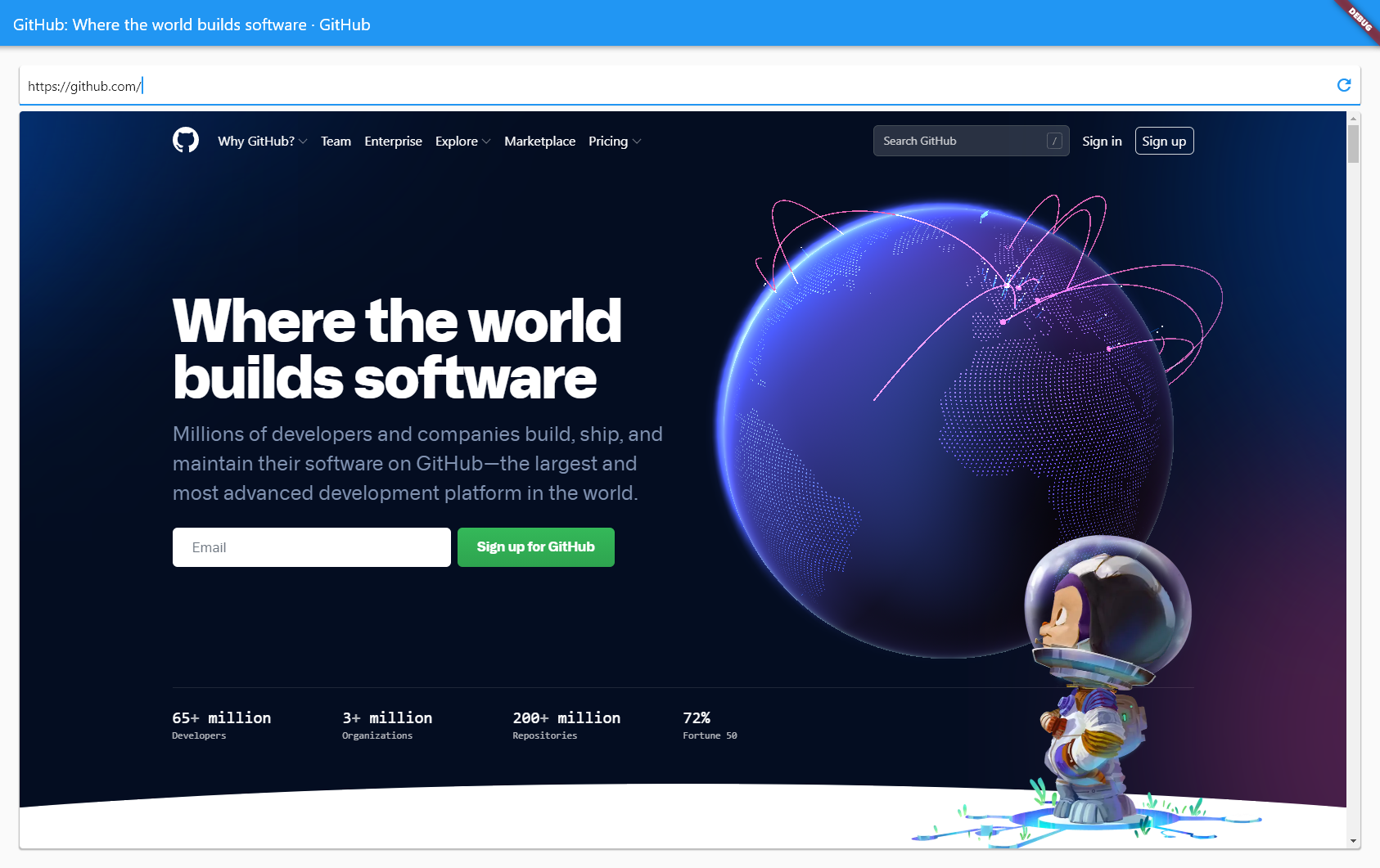
webview_demo1.mp4
This plugin provides seamless composition of web-based contents with other Flutter widgets by rendering off-screen.
Unfortunately, Microsoft Edge WebView2 doesn't currently have an explicit API for offscreen rendering.
In order to still be able to obtain a pixel buffer upon rendering a new frame, this plugin currently relies on the Windows.Graphics.Capture API provided by Windows 10.
The downside is that older Windows versions aren't currently supported.
Older Windows versions might still be targeted by using BitBlt for the time being.
See: