Repository navigation
feat(web): add a setting to disable history swipe navigation - #28370
chomamateusz wants to merge 1 commit into
Conversation
Horizontal mouse wheels can accidentally navigate desktop thread history.
Electron input events do not distinguish a trackpad swipe from a mouse wheel.

Add a default-enabled client setting with desktop Settings search and reset
support. Unmount the gesture handler when disabled, and cover disabling,
mid-swipe cleanup, and re-enabling with focused regression tests.

Model: gpt-6.1-sol via Codex CLI, orchestrated by Claude Code.
ApprovabilityVerdict: Approved at Macroscope's review found this PR approvable — Adds a desktop setting to disable swipe history navigation while keeping it enabled by default. The change is reversible and removes gesture listeners when disabled. You can add or adjust custom eligibility rules. Learn more. |
|
No actionable comments were generated in the recent review.
 |


| Layer / File(s) | Summary |
|---|---|
Client setting contract packages/contracts/src/settings.ts, packages/contracts/src/settings.test.ts |
ClientSettingsSchema defaults historySwipeNavigation to true. ClientSettingsPatch accepts an optional boolean. Tests cover omitted and explicit values. |
Settings controls and search apps/web/src/components/settings/SettingsPanels.tsx, apps/web/src/components/settings/settingsSearch.ts, apps/web/src/components/settings/settingsSearch.test.ts |
The Electron General settings panel exposes the setting and a reset action. Restore tracking and restoring defaults include it. Desktop settings search indexes the setting. |
Sidebar navigation gating apps/web/src/components/AppSidebarLayout.tsx, apps/web/src/components/HistorySwipeNavigation.tsx, apps/web/src/components/AppSidebarLayout.browser.test.tsx |
AppSidebarLayout renders HistorySwipeNavigation only in Electron when the setting is enabled. Browser tests cover disabled and enabled behavior in both directions. The indicator has a test ID. |
Estimated code review effort: 3 (Moderate) | ~20 minutes
Change: Feature
Possibly related issues
pingdotgg/t3code#28023— The setting added by this change disables desktop trackpad swipe navigation.pingdotgg/t3code#28159— The setting can disable swipe-based history navigation during horizontal scrolling in the diff panel.pingdotgg/t3code#28160— The setting can disable the reported unintended desktop history navigation gesture.
Suggested reviewers: juliusmarminge
Merge Risk: 
db2a7

-
The setting preserves existing swipe behavior by default and can be changed without reloading. No merge-blocking risk was identified.
Pre-merge checks: 

-
Check name Status Explanation Title check The title clearly and concisely describes the primary change: adding a setting to disable history swipe navigation. Description check The description includes all required sections. It explains the problem, implementation, scope justification, focused verification results, manual evidence, and the model and harness used. Linked Issues check Check skipped because no linked issues were found for this pull request. Out of Scope Changes check Check skipped because no linked issues were found for this pull request.

Finishing Touches
-
Generate unit tests (beta)
-
- Create a new PR
-
- Autofix · Keep fixing CodeRabbit findings and required CI, and resolving merge conflicts
|
Note Written by Verified in a real dev environmentverified as-is at
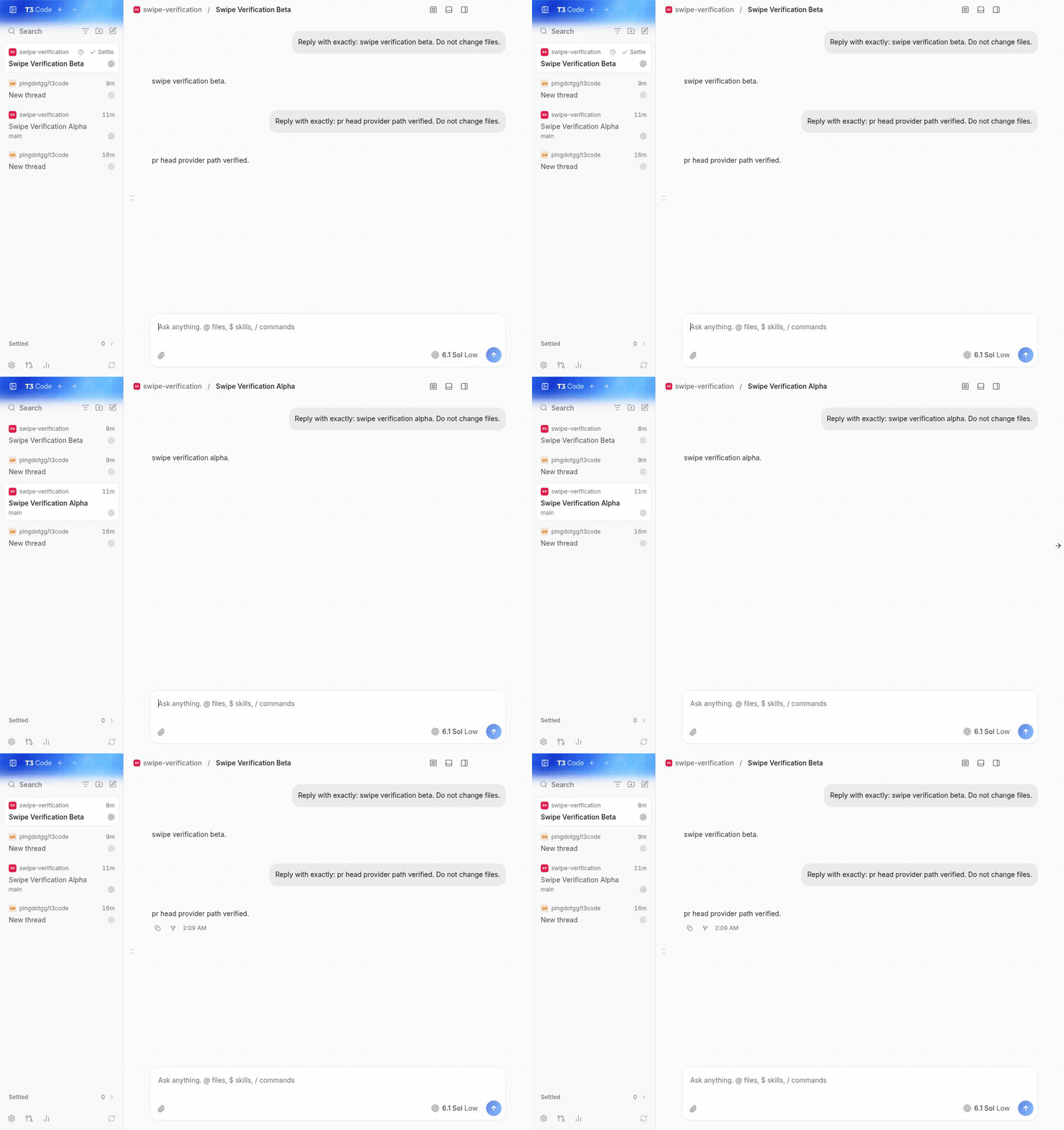
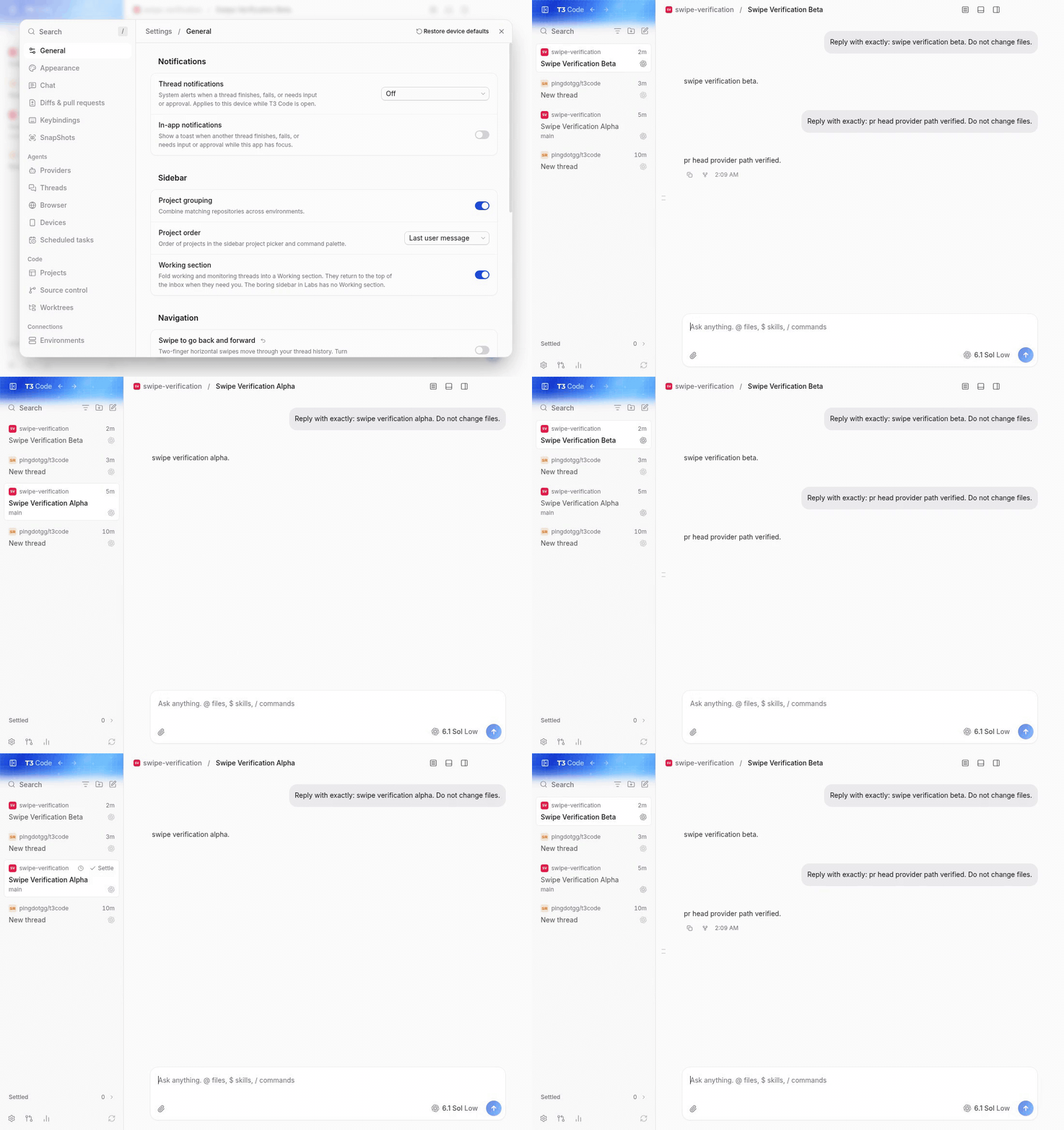
after disabling, the real-client checks reported: before, main settings with matching project data and viewport: pr, enabled: pr, disabled: main: horizontal wheel input moves beta to alpha and back. pr: disabled swipes leave the thread unchanged; keyboard and toolbar navigation still work; enabling restores swipe navigation. these animations contain the full recordings. the original mp4s were inspected and played through in t3, including seeking. Not verifiedmacos hardware input from a physical trackpad or logitech mx master, mouse thumb buttons, windows desktop, native ios/android, and relay/tunnel connections were not exercised on this linux vm. the wheel checks used trusted chromium input through the real electron renderer and gesture ipc, so they do not prove macos hardware event provenance. |
|
Note 🤖 Claude Opus 5.5 responding on behalf of Ilias I'm a huge +1 on this PR. I use an Apple Magic Trackpad, and I couldn't understand what was happening: while I was scrolling, my threads kept suddenly switching from one to another. |
Problem
On macOS desktop, a Logitech MX Master's horizontal thumb wheel can navigate thread history accidentally, including when horizontal scrolling reaches the edge of wide content. Electron 44's input events carry no trackpad-vs-wheel provenance, so the existing gesture cannot currently be restricted to trackpads.
Change
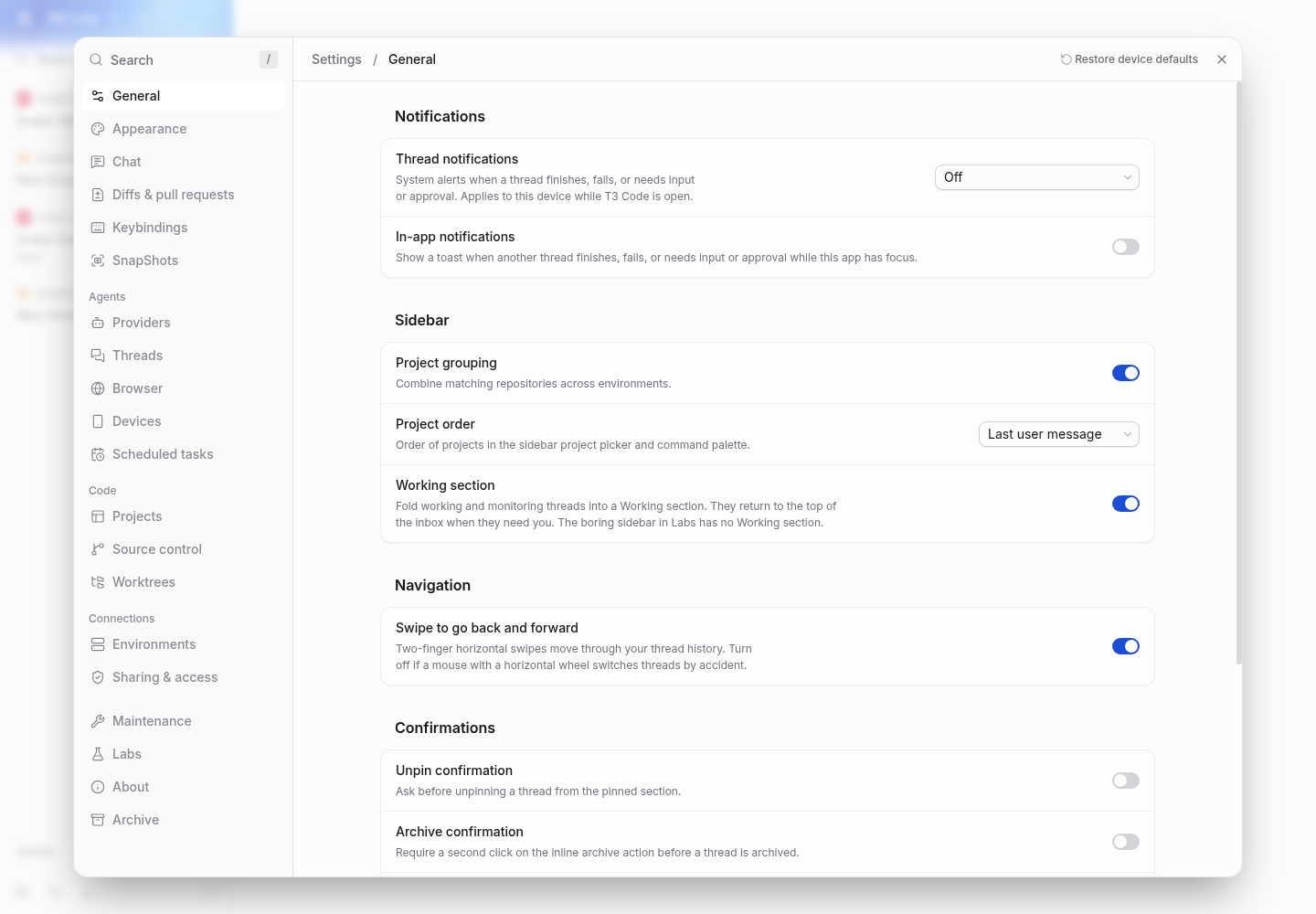
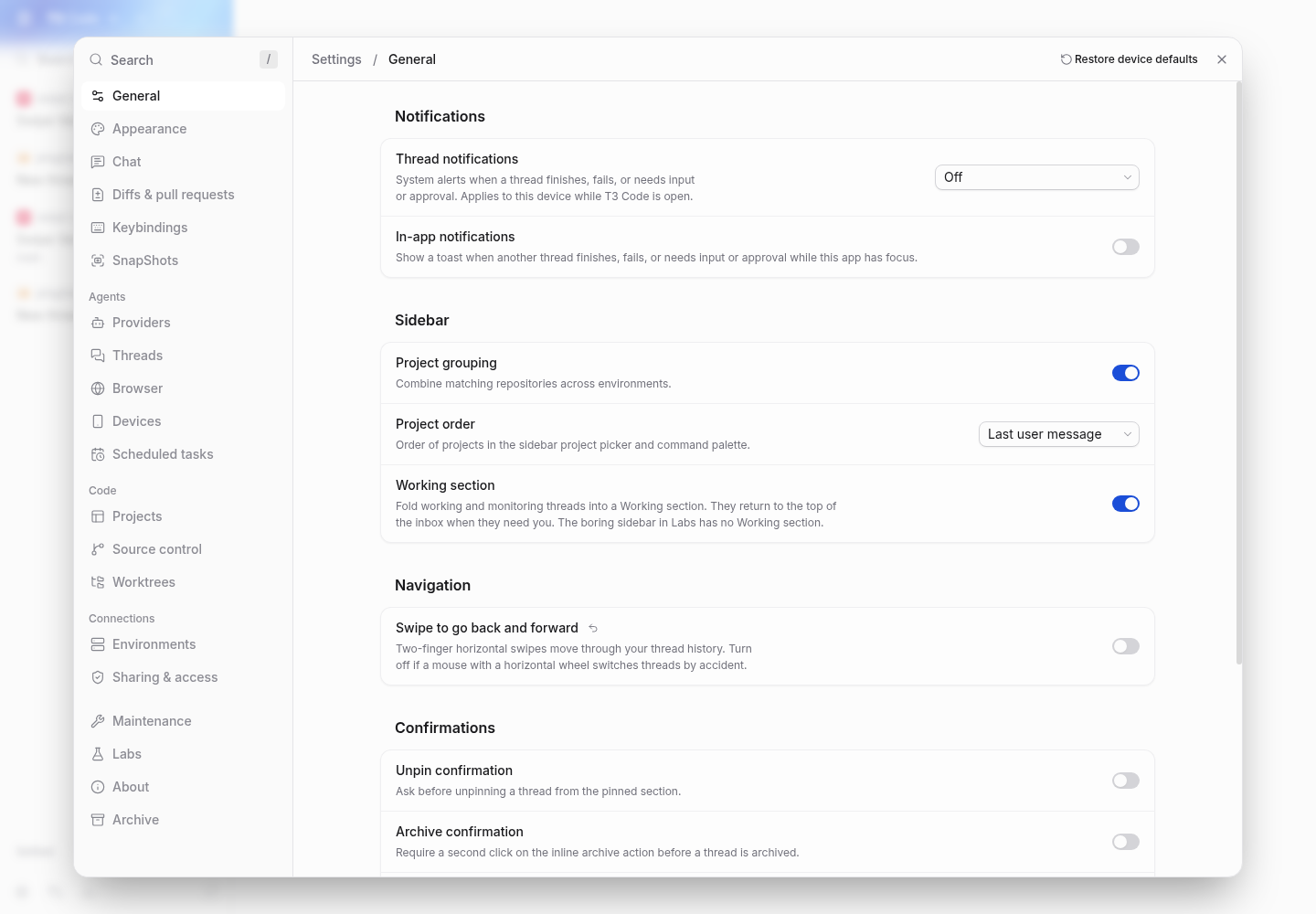
Add “Swipe to go back and forward” in desktop Settings > General > Navigation, with Settings search, a per-setting reset, and restore-defaults support. The client preference defaults to enabled. Turning it off unmounts the gesture handler and indicator immediately, including during a swipe; turning it on works without reloading. Mouse back/forward buttons and keyboard navigation retain their existing behavior.
Scope and approval
CONTRIBUTING.md states: “A focused configuration option for an established capability may also be eligible without prior feature approval.” This option controls the existing desktop history-swipe capability. The default is unchanged, and the scope adds no workflow or broader navigation behavior. This follows the configuration route; it does not claim explicit maintainer approval or guaranteed acceptance.
The change is limited to the client setting contract, desktop renderer Settings/search/reset integration, its mount gate, and focused tests. Hosted/local web and native mobile do not expose the desktop gesture. The gesture is not documented in user guides, so no documentation change is needed.
Verification
vp test run packages/contracts/src/settings.test.ts apps/web/src/components/AppSidebarLayout.browser.test.tsx apps/web/src/components/HistorySwipeNavigation.test.ts apps/web/src/components/settings/settingsSearch.test.ts.vp run check:changed: passed (exit 0): format, lint, both knip passes, typecheck of 35 affected packages/dependents, 64 tests across six files, and four changed-source React Compiler cases.Evidence
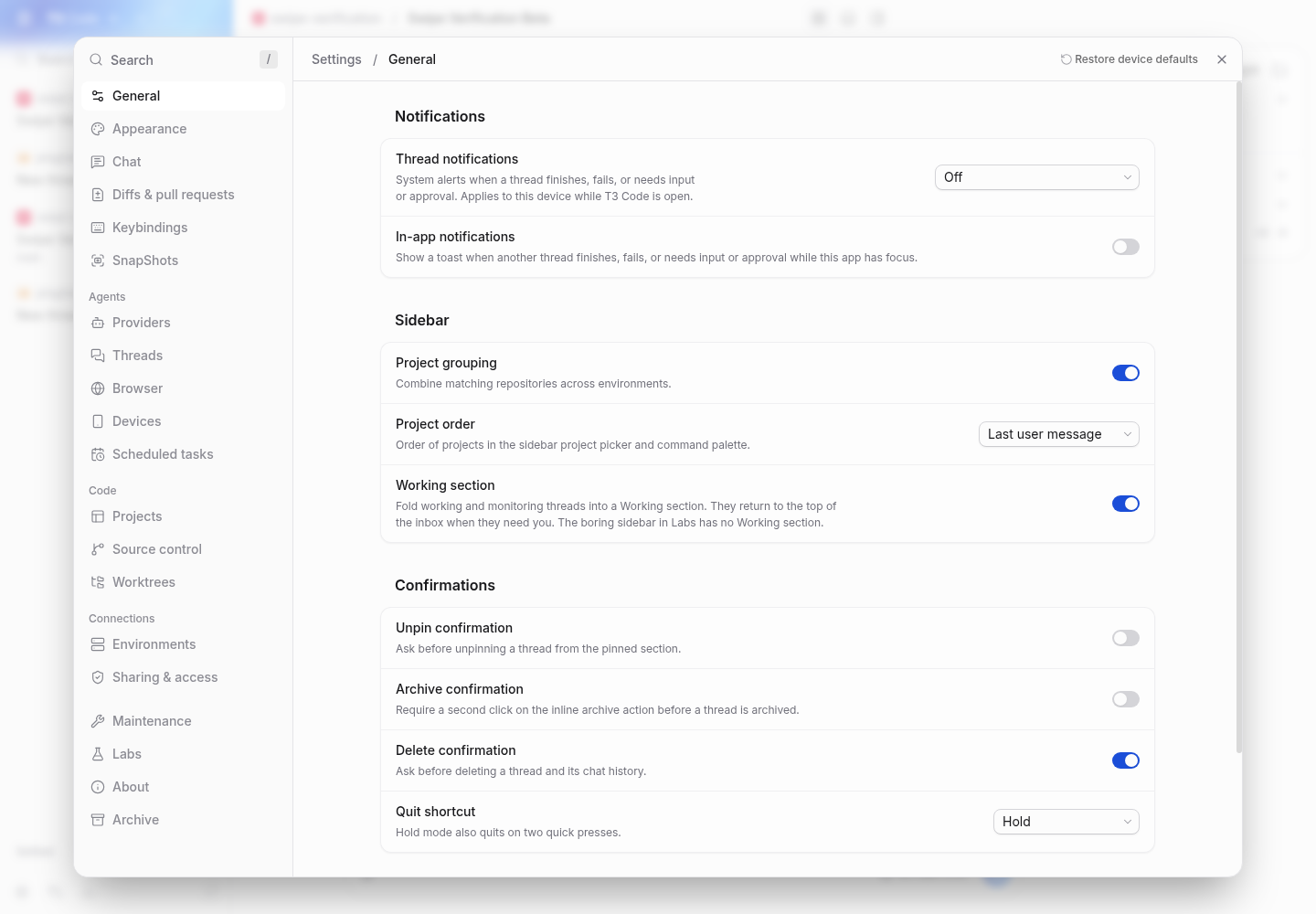
Settings > General > Navigation, enabled and disabled:
Recording: 0–10 s the setting is on and horizontal swipes move between threads; at 12 s it is turned off; 15–24 s the same swipes leave the thread in place.
swipe-demo.mp4
Model: gpt-6.1-sol via Codex CLI, orchestrated by Claude Code.